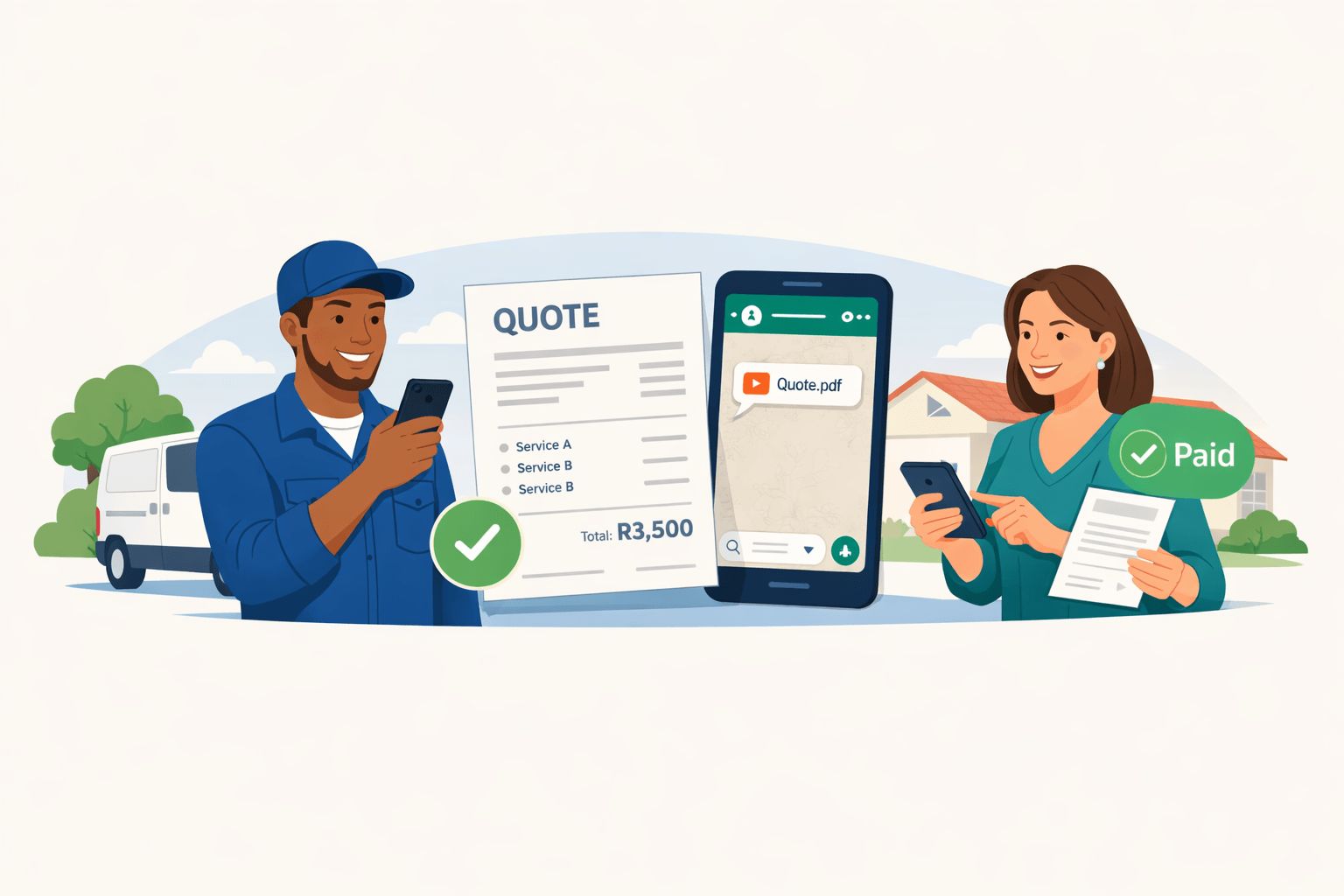
Straight answers for the questions businesses ask before they trust the workflow
This page explains QuoteFast in plain language: how pricing works, what happens when a client pays online, how quotes become invoices, how the new batch import helps with line items, and why the right banking details matter for payouts.
The money flow in one short version
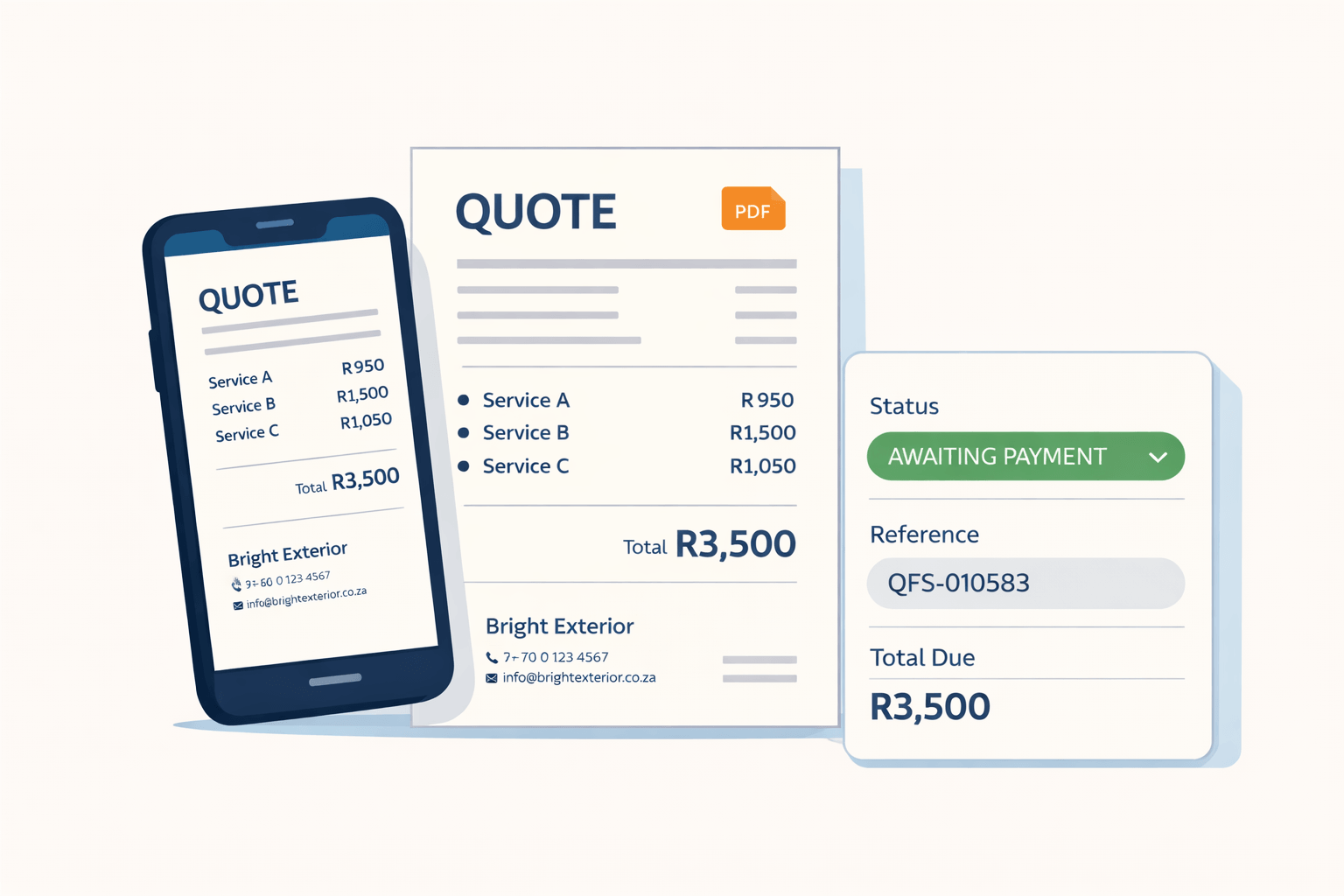
Your monthly QuoteFast plan is the platform subscription. When a client pays online, Paystack handles the payment and charges the gateway fee. QuoteFast's own payout-side charges are reflected when money is paid out or transferred to your business bank account.
- Subscription access is separate from gateway charges.
- Paystack handles online payment processing.
- Correct banking details matter because payouts must land in the right account.
The plain-language fee story
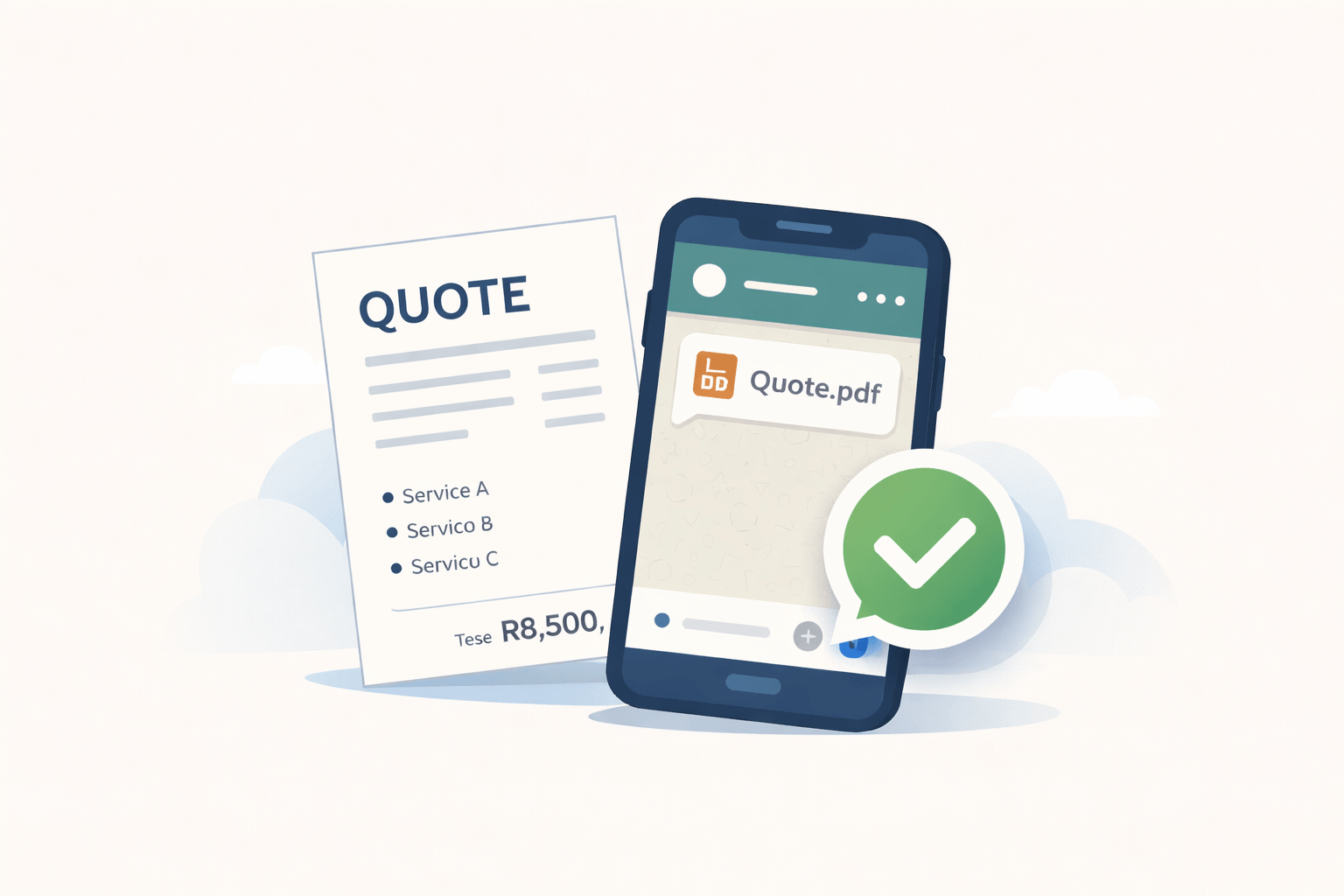
These are the questions people usually ask first when they want to understand the money flow clearly.
How much does QuoteFast cost per month?
QuoteFast has simple monthly plans. Free is R0 per month, Starter is R79 per month, and Growth is R189 per month.
Your monthly plan gives you access to the platform. That subscription is separate from payment gateway fees and payout-related fees.
What is included on the Free plan?
Free gives you up to 10 quote creations each month.
For those quotes, you still get the full flow: create the quote, share it with the client, convert an accepted quote into an invoice, and use the payment flow where it applies.
What happens when my customer pays online?
When your customer pays online, the payment is processed by Paystack.
Paystack handles the online transaction, charges the gateway fee, and the remaining funds then move through the payout flow to your business.
Who charges which fee?
The easiest way to think about it is this:
- QuoteFast charges your monthly subscription.
- Paystack charges the online payment processing fee.
- QuoteFast charges its own platform fee when funds are paid out or transferred to your business bank account.
- A payout or transfer fee can also apply when that transfer happens.
Does QuoteFast charge a fee on every customer payment?
No. When your customer pays online, the payment processing fee is the Paystack fee.
QuoteFast only charges its own payout-side platform fee when the money is paid out or transferred to your business bank account.
How do Paystack fees work?
Paystack charges the gateway fee for processing online payments.
Those fees are separate from QuoteFast and may vary depending on the payment method the customer uses.
Why is my payout less than the invoiced amount?
The invoice amount is the full amount billed to the client. Your payout can be lower because the final amount paid to your business can reflect gateway fees, QuoteFast payout-side charges, payout or transfer fees, and VAT where applicable.
Why is my payout less than the amount my customer paid?
The customer payment is the gross amount. The payout to your bank account is the net amount after the relevant deductions have been applied.
Can I see payment status inside QuoteFast?
Yes. QuoteFast is built to help you track payment status clearly, so you can see whether a payment is still pending, confirmed, or already moving through payout.
Questions about the day-to-day workflow
These answers focus on the practical steps businesses care about when they start using the product.
How do I create a quote?
Choose or add a client, add your line items, review the totals, set the quote details, and send it to the client.
The goal is to make it quick to build a professional quote without starting from scratch every time.
Do I need a client before I can create a quote?
Yes, you normally choose the client before you send the quote. That keeps the quote tied to the right person or business from the start.
Can I turn a quote into an invoice?
Yes. Once a quote is accepted, you can convert it into an invoice instead of rebuilding everything manually.
What is the difference between a quote and an invoice?
A quote is a price proposal sent before the work is approved. An invoice is the payment document you send when you are ready to bill the client.
Can my client pay from the invoice?
Yes, where online payments are enabled. QuoteFast supports invoice payment flows so clients can pay from the invoice journey instead of you chasing proof of payment manually.
Can I use QuoteFast if I only want to send quotes and invoices?
Yes. You do not have to use every payment feature on day one. You can use QuoteFast for quoting and invoicing first, then use payment and payout features when you are ready.
The fastest way to stop retyping your stock or services
This section explains reusable line items and the new batch import flow in the simplest possible way.
What are line items?
Line items are the individual products or services you add to a quote or invoice, for example labour, stock items, materials, callout fees, or monthly services.
Why should I save line items?
Saved line items help you quote faster, keep your pricing more consistent, and reduce admin when you quote for similar work often.
Can I import my line items in bulk?
Yes. QuoteFast now supports batch imports for line items, which makes it much easier to bring in your stock list or service list in one go.
How does the batch import for line items work?
The process is simple:
- Download the template.
- Keep the header row exactly as it is.
- Add one line item per row.
- Upload the file back into Line Items.
- Review the preview.
- Import the rows that are marked ready.
What information do I need for a line item import?
The key fields are the line item name and unit price.
You can also include a description, and some optional legacy fields may still be accepted where relevant.
What happens if some imported rows are wrong?
Rows with missing names, invalid prices, or duplicate names are flagged before import so you can fix them first.
What happens if the import contains duplicates?
If the uploaded file contains duplicate names, or if a row matches an existing saved line item name, those rows are flagged so you do not accidentally import messy duplicates.
Do I need to import my whole stock list before I start using QuoteFast?
No. You can start with a few line items and build from there. If you already have a full stock or price list, batch import is simply the fastest way to load it.
The details that matter when money must reach the right account
These answers explain why accurate banking details matter and what businesses should expect from the payout side of the workflow.
Why must I add the correct bank account when I register?
Because that is the bank account QuoteFast uses when payouts are made to your business.
If those banking details are wrong, your payout can be delayed, rejected, or sent back for correction.
Can I use any bank account for payouts?
No. You should use the correct bank account for the business that must receive the payout.
The account holder name, bank name, account number, and branch code should all be accurate and up to date.
When do I get paid out?
Payouts happen after funds have settled and moved through the payout process.
The exact timing can depend on settlement, bank setup, and payout checks.
Can I request a payout?
Yes, where that workflow is enabled for the business. QuoteFast includes payout controls so businesses can track payout readiness and request the next payout run when applicable.
What happens if my banking details are wrong?
If the details are incomplete or incorrect, the payout may fail, be delayed, or need to be retried after the banking information is corrected.
Do I need banking details in QuoteFast if I only want to get started?
You can still get started with the rest of the workflow, but accurate banking details become important as soon as you want payouts and business payment instructions to work properly.
Start with the basics now and grow into the rest of the workflow
You do not need to master every feature on day one. Start with quoting, add saved line items and imports when you are ready, and keep your banking details correct before payouts start flowing.